Settings
Settings
The Settings screen, titled Cyclopt Companion Configuration, is where you manage everything about your account and analyses. It's organized into five accordions.
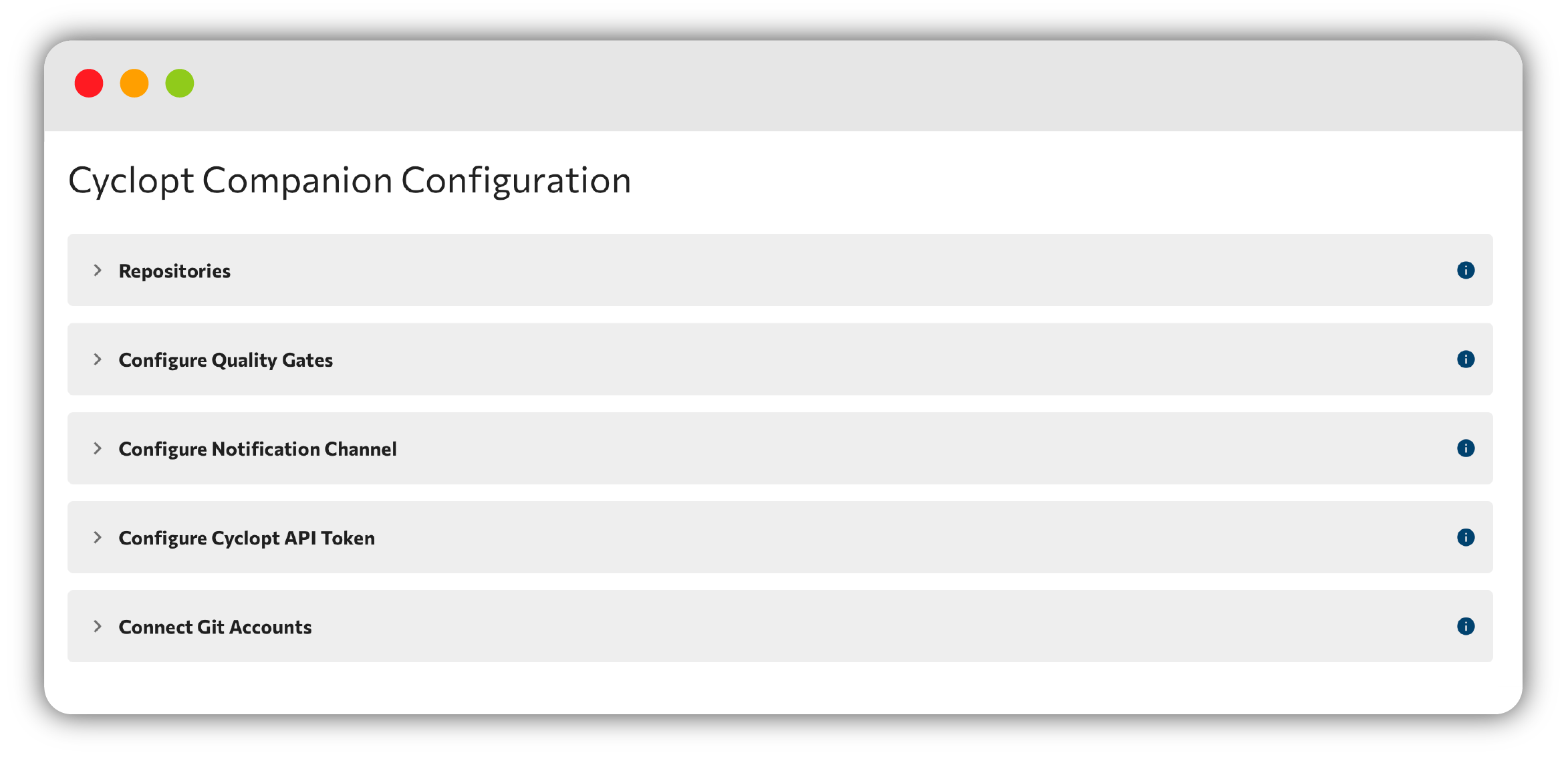
Repositories
Add, edit, and delete the repositories Cyclopt Companion analyzes. See Repositories for the full walkthrough.
Quality Gates
Configure the pass/fail rule sets checked on every analysis. See Quality Gates.
Notification Channel
Connect a chat platform and choose which updates you receive. See Notifications.
Cyclopt API Token
Generate a Cyclopt API token to enable Cyclopt Open API features!
Use Generate Token to create a token, the copy control to grab it, and Delete Token to revoke it.
Make sure to copy this token now. You won't be able to see it again!
This same token is what you use for the IDE plugins and the MCP server.
Connect Git Accounts
Connect your different accounts from various providers!
Each provider (GitHub, GitLab, Azure, and BitBucket) has a card showing your connected username and a Connected state, with Connect / Disconnect controls.
Your primary account can't be disconnected, and GitLab supports self-hosted instances.
Account actions
From Settings you can also log out. To request account deletion, email support@cyclopt.com.
Back to the Cyclopt Companion overview.