Organizations
Organizations are the top level of Panorama. Each organization contains your teams, members, and projects. It's how you keep everything grouped and governed in one place.
Switching organizations
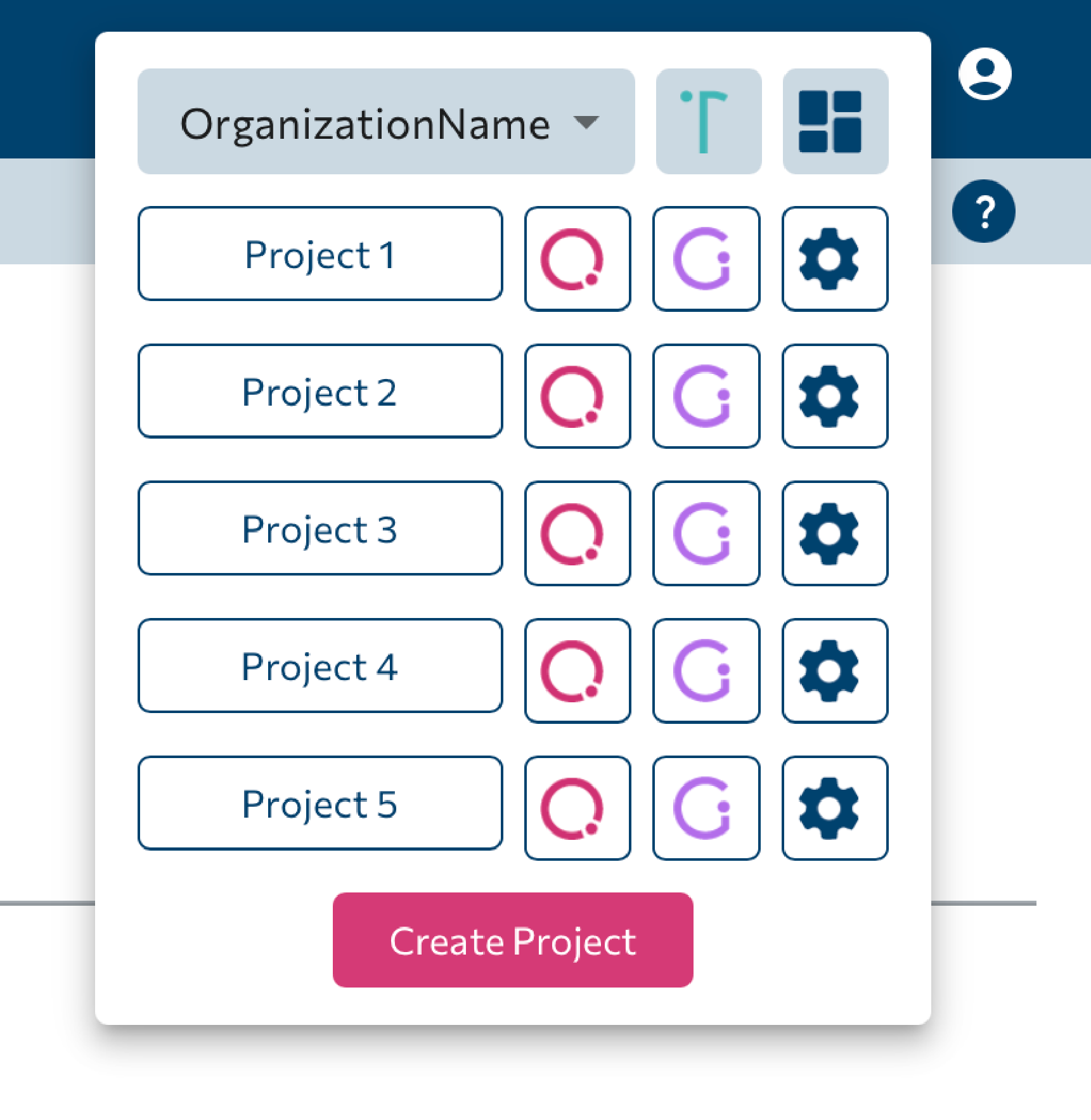
In the header, the Organization ▾ dropdown opens a panel where you can switch the active organization. From here you also get quick links to Team Analytics and Overview, per-project icons for Quality Analytics, Quality Gates, and Settings, and a Create Project button.
The Organization page
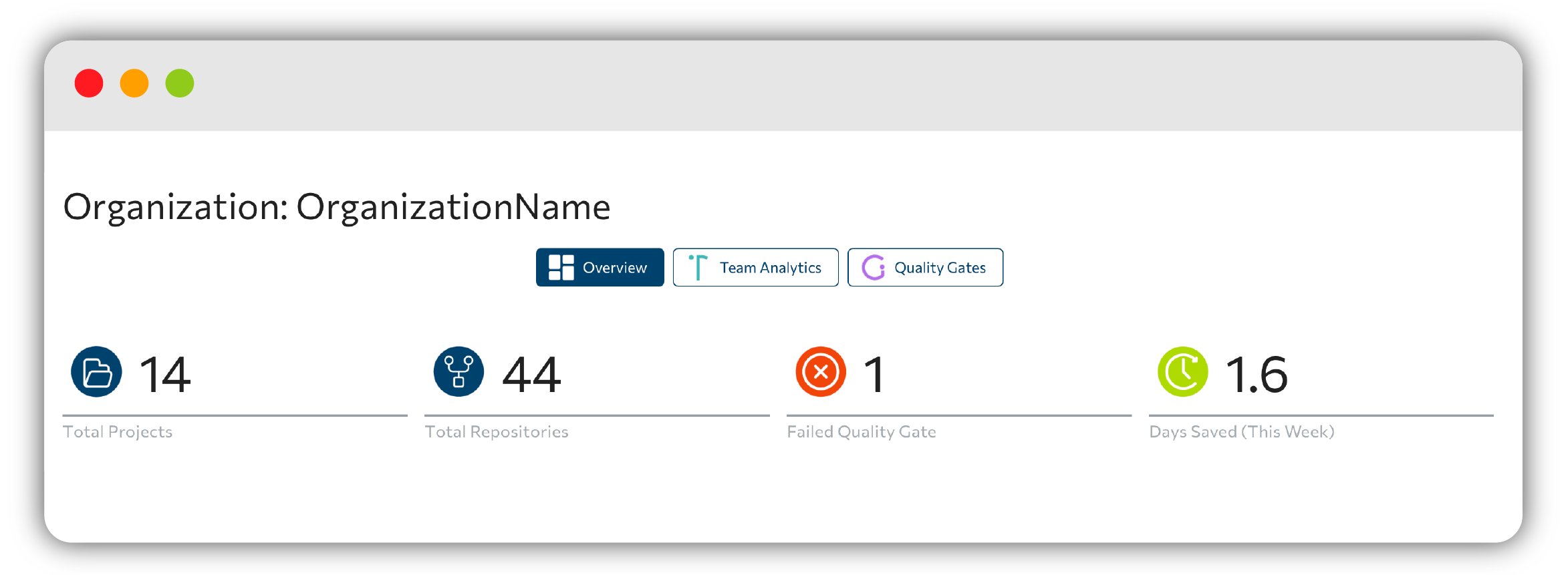
Opening an organization takes you to a page titled Organization: {name} with three tabs: Overview, Quality Gates, and Team Analytics.
The Organization Overview shows tiles for total projects, total repositories, Failed Quality Gate(s), and Days Saved this week. An Organization members: avatar row shows who belongs to the org, and a weekly feed of attention-required items and achievements aggregates the early alerts across all your projects.
Roles and permissions
Members have one of two roles, admin or member. Roles gate who can add, edit, and delete quality gates, modify repositories, and delete projects.
If an action isn't available to you, check your role with an organization admin.
Next steps
- Explore Projects & overview.
- Dive into Team Analytics.