Signing in
Getting into Cyclopt Panorama takes just a moment. Head to https://panorama.cyclopt.com to begin.
Choosing a provider
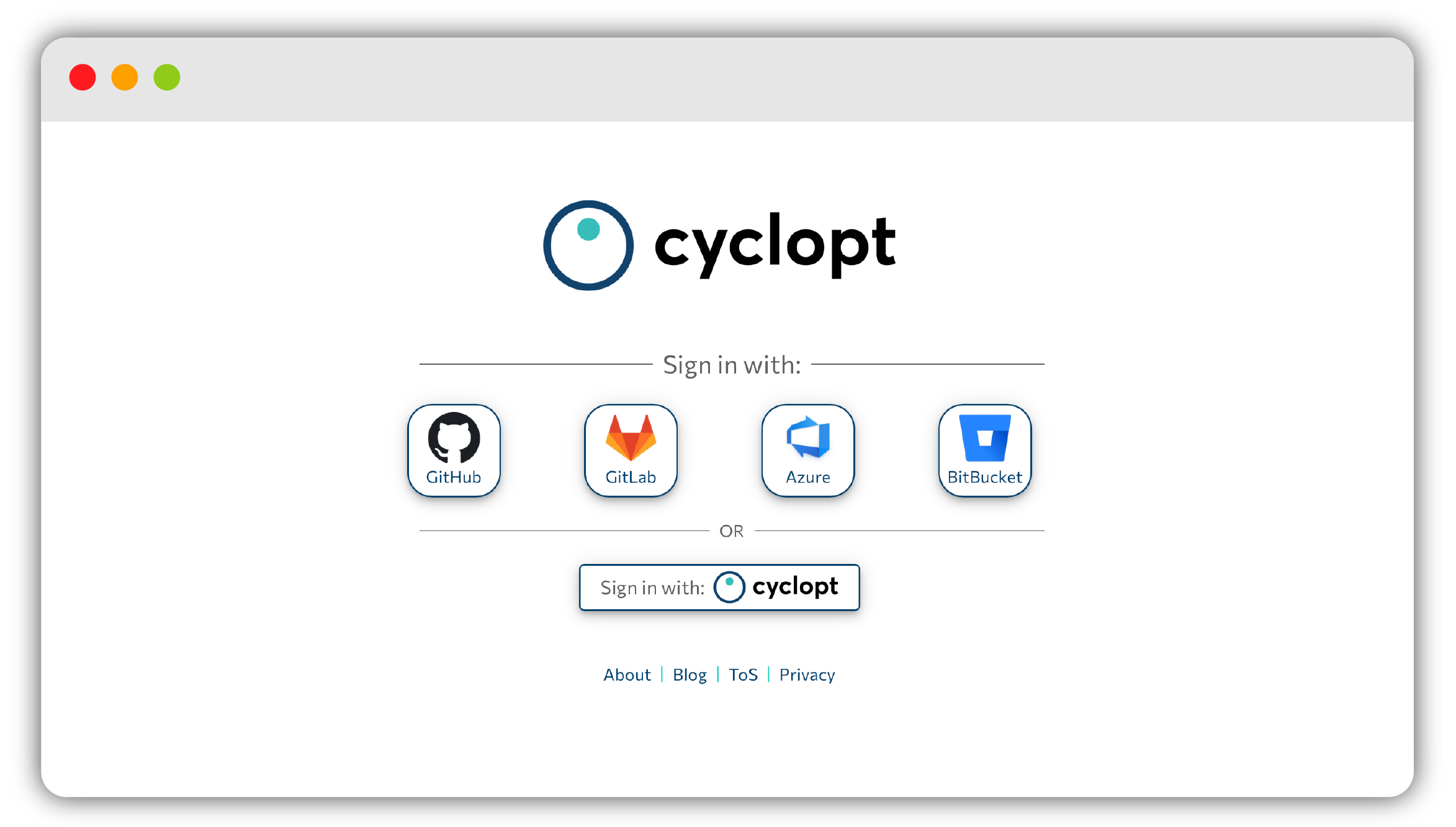
The sign-in screen shows a Sign in with: divider followed by four provider buttons (GitHub, GitLab, Azure, and BitBucket). Below them, an OR divider offers a Sign in with: Cyclopt button if you'd rather use a native Cyclopt account.
Pick the provider that hosts your repositories. After you authorize through OAuth, Panorama redirects you straight to your Overview.
Cyclopt needs read access to your repositories so it can analyze your code.
Self-hosted GitLab
Running your own GitLab instance? That's supported too. When you sign in with GitLab, a dialog lets you enter your instance URL so Panorama connects to the right server.
Ready to keep going? Head to Creating a project next, or read about Organizations to understand how your work is grouped.